DEVICES
148142 IPs confirmed
Open network workspace ↗FROM A TECHNICIAN, FOR TECHNICIANS
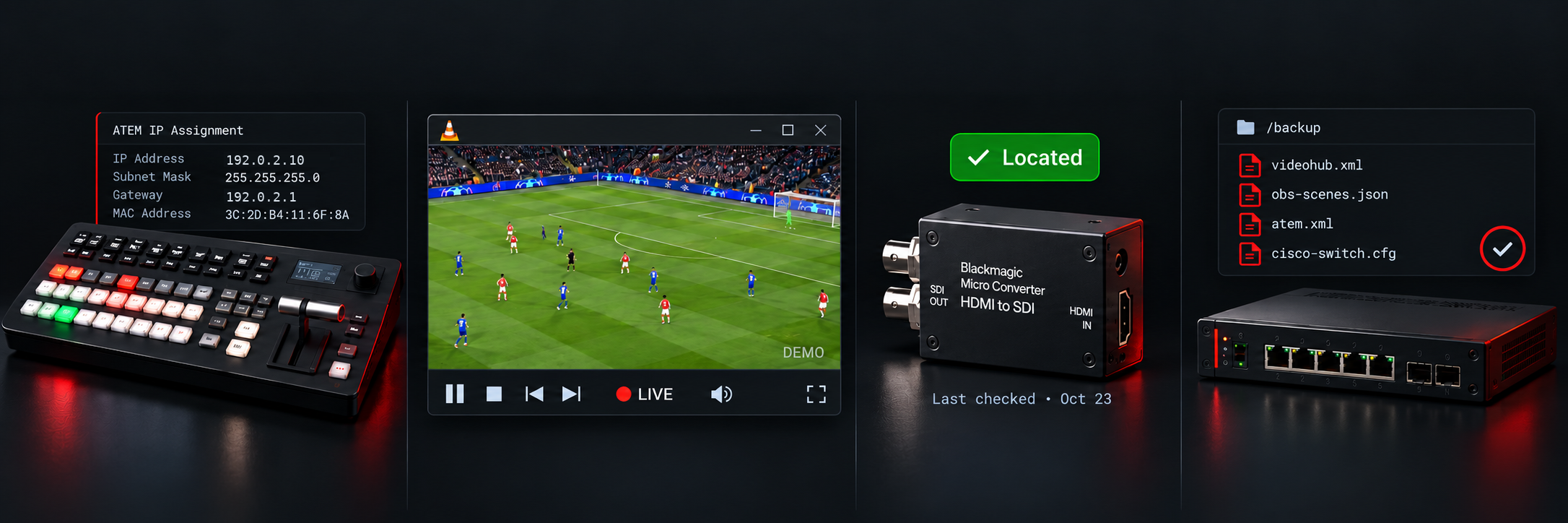
Track your ship’s Devices, IPTV channels, equipment, and configuration backups across every venue. Stay organized wherever you work. Find what you need and export it in seconds.
142 IPs confirmed
Open network workspace ↗channels documented
Open channel lineup ↗units across 12 locations
Open equipment register ↗recovery files ready
Open configuration archive ↗C:\Users\visitor\avtrack> aboutme
GABRIEL MOURA · BROADCAST TECHNICIAN
Gabriel works in cruise-ship broadcast operations, running onboard TV systems from satellite reception and server ingest to live production and interactive television.
AVTrack grew from that day-to-day work: keeping the information needed to troubleshoot, verify, and recover technical systems close at hand.
Next: type purpose or choose it below.
Technical work gets harder when the information is somewhere else.
Search by device, venue, IP, VLAN, or system. Copy an address instantly and keep a visible record of what your team has already confirmed.
Document onboard and satellite streams with their address, UDP port, source, and notes. Open a stream in VLC with one click, so you can test a channel without searching through old sheets.
Paste from Excel, map custom columns, review by location, flag missing information, and confirm multiple items while you are physically in the locker.
Store known-good configurations for switchers, routers, receivers, and production systems with a clear device name, date, type, and recovery note.
192.0.2.10120IP confirmed192.0.2.301510IP confirmed192.0.2.20120Confirm IPFind, copy, and confirm technical addresses.
Paste straight from Excel or upload a workbook. AVTrack reads the headings and proposes a useful structure.
See incomplete values, resolve discrepancies, and inspect several records together by location.
Mark addresses, locations, and stock checks only after a technician has verified them.
Export focused PDF, Excel, CSV, or JSON reports for the next check, handover, or recovery.
AVTrack runs from a local computer with no cloud account required. The database, inventory history, and equipment recovery files remain under your control and can be copied to approved storage.
TO SAVE YOUR TIME
Created for real broadcast work at sea, where quick access to the right address, item, or recovery file can save valuable time.